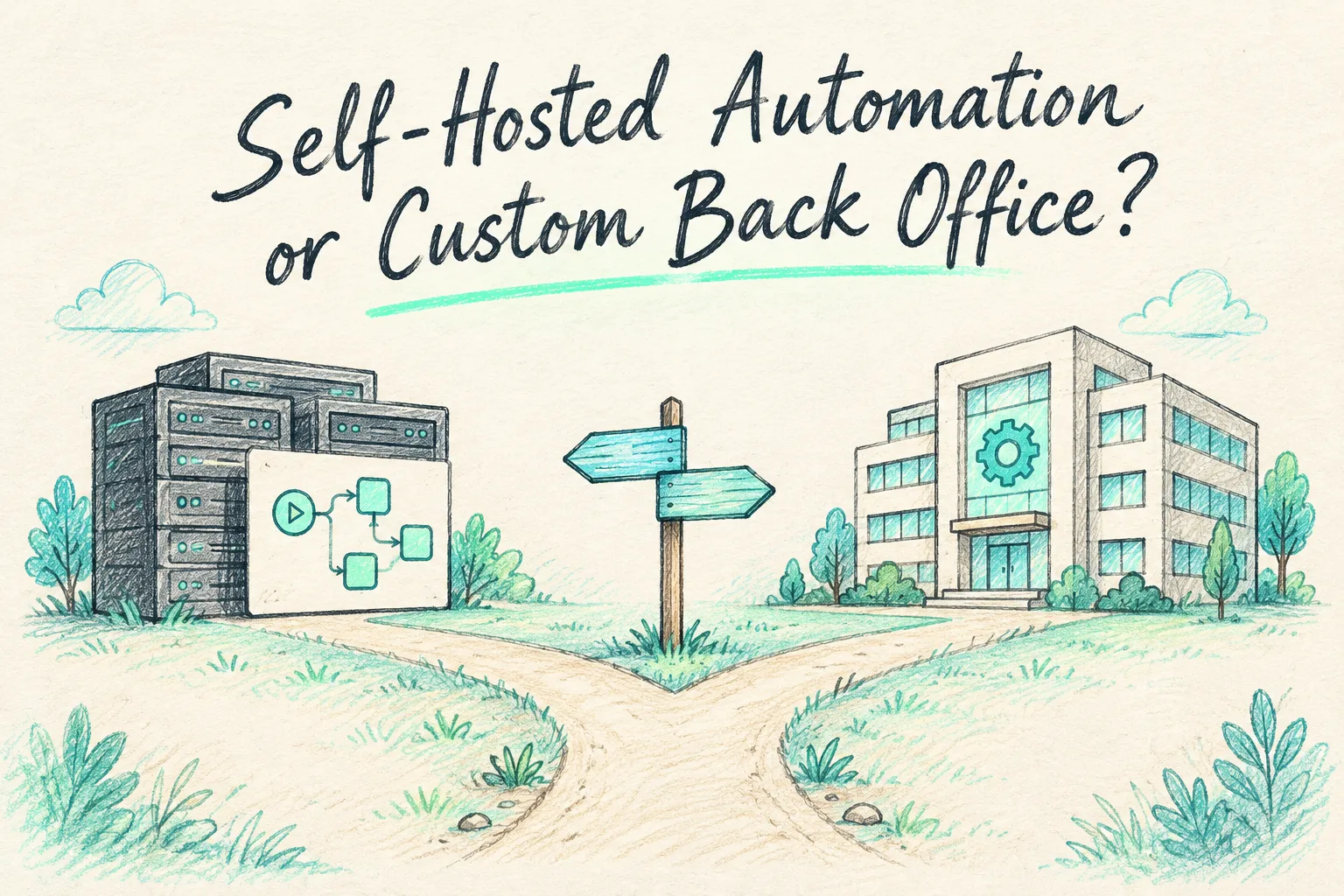
At some point, the automation stack that helped you move fast starts slowing you down. Scripts multiply, workflows become fragile and each change feels risky. Choosing between a self-hosted automation tool and a bespoke back office is often the real decision behind looking for an n8n alternative. The right call depends on where your operations are today and how fast they are evolving.
Self-hosted automations vs bespoke back office
What self-hosted automation tools really offer
Self-hosted workflow automation tools are great at moving data and triggering actions across services with a visual builder, webhooks, and reusable steps. Whether you use n8n, Node-RED, Activepieces, Huginn, or Windmill, you typically get fast integration coverage quickly, plus deployment flexibility that a cloud-based tool may limit. The trade-off is that most logic stays “in the flows,” not in a coherent product surface.
In practice, self-hosting gives you control over where data runs, how you secure it, and how you satisfy governance and compliance requirements. But you also inherit the platform responsibilities: upgrades, connector drift, queueing, secrets management, and security vulnerabilities. Even with open-source automation and a permissive licence, the long-term cost is often ongoing operational ownership, especially as cross-system orchestration grows beyond a handful of workflows.
What a bespoke back office changes day to day
A bespoke back office changes daily work by turning automations into a product: screens, roles, states, and rules that match how your team actually operates. Instead of jumping between scattered workflows and logs, operators act in one place with one source of truth for records, status, and history. This is less about replacing automation, and more about making it usable at scale.
Because the data model is explicit, you can standardize permissions, validation, and exception handling. That reduces the “tribal knowledge” problem where only a few people understand why a workflow behaves a certain way. Teams usually feel the difference as fewer manual handoffs: approvals, retries, and edge cases become first-class features, not ad-hoc branches in a flow.
The biggest operational shift is observability and accountability. A custom system can enforce audit trails, provide predictable reporting, and define ownership per enterprise process, which is hard to guarantee when logic is spread across many automation tools. When regulators, clients, or internal security ask “who changed what and why,” the system can be auditable by default rather than reconstructed from run logs.
How to choose for your current stage
Choose based on where complexity lives today: in integrations or in operations. If your pain is mainly connecting APIs and moving data, a self-hosted n8n alternative usually gets you there fastest. If your pain is humans coordinating work, exceptions, and approvals, a bespoke back office pays off sooner because it reorganizes the workflow around the business, not around the connectors.
- Stay with self-hosted automation if you have fewer than 10 core workflows and changes are weekly, not hourly.
- Prefer a bespoke back office when you need clear ownership per process across multiple teams.
- Move toward a custom system if exceptions require consistent states and approvals, not one-off branches.
- Prioritize bespoke when you must provide traceable decisions and history for audits or client reporting.
- Delay a rebuild if you’re still uncertain about stable requirements, because you’ll refactor constantly.
Signs you’ve outgrown n8n
Operational pain you can’t script away
You’ve likely outgrown n8n when workflows become production systems and the business expects the same guarantees as an internal app: clear ownership, predictable runtimes, approvals, and auditable changes. What felt like fast workflow automation starts to break down once multiple teams depend on it, failures need triage, and “just add a node” becomes risky because the visual builder hides edge cases.
- Need role-based approvals for changing live workflows
- Spend time chasing silent failures across integrations
- Hit limits around audit trails and change history
- Require SLA-grade monitoring with on-call escalation
- Struggle with data consistency across multiple systems
Another strong signal is cross-system orchestration that needs coordination, not just sequencing: idempotency, retries without duplicates, backfills, and partial rollbacks. At that point, governance and compliance expectations increase, and the “automation layer” starts behaving like a custom system. If every new enterprise process requires bespoke guardrails, you’re no longer automating, you’re operating a platform.
Complexity, maintenance and hidden costs of DIY stacks
With self-hosting, the hidden cost is that maintenance becomes a second product: upgrades, backups, incident response, and keeping dependencies aligned. Even when you prefer open-source automation for deployment flexibility and to avoid vendor lock-in, you inherit operational work that a managed tool or cloud-based service absorbs. The bigger the footprint, the more time shifts from building to keeping the stack alive.
Costs also show up in risk. Security vulnerabilities, secrets management, and network hardening become your problem, especially when compliance requirements tighten. Teams often add “helpers” like Node-RED, Huginn, Activepieces, or Windmill to cover gaps, then pay the integration tax between automation tools. When each integration adds surface, troubleshooting and governance overhead grows faster than the workflows themselves.
Choosing the right n8n alternative
When a low-code n8n alternative is enough
A low-code option is enough when your automations are mostly trigger-to-action flows and the main need is shipping integrations faster. In that case, evaluate n8n alternatives by connector coverage, error handling, retries, and how clearly the visual builder exposes state and logs. Tools like Activepieces or Windmill can cover a lot of workflow automation without forcing a full rebuild of your operations.
Decide early between self-hosted and cloud-based operation. Self-hosting can improve deployment flexibility and compliance, but it also makes you responsible for patching, backups, and security vulnerabilities. Check the licence terms, the maturity of the open-source automation community, and what happens when you need roles, approvals, and audit trails. If you already need those controls, a managed tool may be cheaper than DIY over time.
Layering a custom back office on top of your automations
Layering a back office works when your workflow automation is fine for cross-system orchestration, but operators need a single place to review, correct, and approve. You keep automation tools for event handling and integrations, and you move human-facing decisions into a custom system where data, permissions, and UI are consistent. A custom web application becomes the “source of truth” for operational state.
- Keep automation for event routing and fan-out across integrations.
- Centralize business data in one canonical model, not in workflow variables.
- Add operator screens for manual overrides and retries with context.
- Implement approvals with role-based access and traceable decisions.
- Log changes in one place for audits and investigations.
This split also clarifies governance: workflows stay small and replaceable, while enterprise processes live in the back office with versioned rules and clear ownership. It reduces vendor lock-in because the domain logic is not trapped in one integration platform. It also makes compliance easier, since sensitive actions can be gated and reported from the same surface your teams already use.
Full rebuild: when bespoke beats incremental fixes
A full rebuild is justified when workflows have turned into hard-to-test business logic, and every change risks breaking critical operations. Typical signals are complex permissions, many exceptions, heavy reporting needs, and tight SLAs where “best-effort” automation is not acceptable. At that point, replacing scattered workflows with a bespoke back office plus well-defined services can outperform any self-hosted n8n alternatives in reliability and long-term maintenance.
Making the transition with low risk
Phasing your migration in weeks, not months
A low-risk transition works best when you run old and new in parallel and migrate workflow by workflow, not by “big bang.” Start by mapping what your current workflow automation actually does, including edge cases and manual fallbacks. Whether you move to a self-hosted integration platform or keep a managed tool, keep the first scope small: a handful of high-volume automations with clear inputs, outputs, and owners.
- Inventory every workflow and rank by business impact and failure rate.
- Define acceptance checks, including data parity on key records before cutover.
- Rebuild one slice of cross-system orchestration with feature flags and rollbacks.
- Add observability first: logs, retries, alerting, and dead-letter handling.
- Pilot with real users, then cut over via time-boxed parallel runs.
If you’re leaving n8n for one of the self-hosted n8n alternatives, treat self-hosting as a product: patching, secrets management, and least-privilege access need owners. Bake in compliance and governance early, especially around credentials and audit trails. This is also when you close common security vulnerabilities: pin versions, review community nodes, and standardize deployments across environments.
Budgeting and team impact of changing your back office
Budgeting is mostly about understanding who will operate the system after the switch: developers, ops, or a business team using a visual builder. A self-hosted setup often reduces licence spend but increases ongoing platform work (upgrades, backups, incident response). A cloud-based managed tool shifts that load outward, but you pay for scale and accept more vendor lock-in constraints.
Plan headcount and skills around your target: incremental automation tools need strong integration discipline, while a custom system for enterprise processes needs product ownership, QA, and change management. The cheapest path is rarely the one with the lowest first invoice; aim for predictable operating costs by pricing maintenance time, on-call load, and the cost of slowdowns when workflows become brittle or undocumented.
Frequently asked questions
Is n8n still a good choice for a very small startup or solo founder?
Yes, for simple workflows it remains a strong option for early-stage founders with limited budget and technical resources. If you only need a handful of automations, low data volumes and can tolerate some manual checks, staying on n8n is pragmatic. You can revisit a more structured back office once your process stabilises and revenue justifies the switch.
How can I estimate the ROI of moving from n8n to a bespoke back office?
Start from hours and errors rather than features. Quantify time lost to maintaining automations, onboarding new team members and fixing silent failures, then attach a cost to that. Add the impact of delayed decisions when data is scattered. If the yearly cost exceeds a realistic build and maintenance budget, a bespoke back office likely has a positive ROI.
Can a non-technical founder realistically lead a migration away from n8n?
Yes, with clear ownership and the right partners. Your role is to define processes, edge cases and success metrics, not to choose frameworks. Document current n8n workflows, prioritise which journeys to rebuild first, then work with a product-minded developer or agency. Short, time-boxed iterations help you keep control without needing to write code yourself.
What security aspects should I check when choosing an n8n alternative for internal operations?
Focus on access and data scope before anything else. Review how user roles, permissions and audit logs are handled, especially for finance and customer data. Check where data is stored, encryption at rest and in transit, and how secrets are managed. For self-hosted options, ensure you have patching, backups and monitoring processes defined and owned.