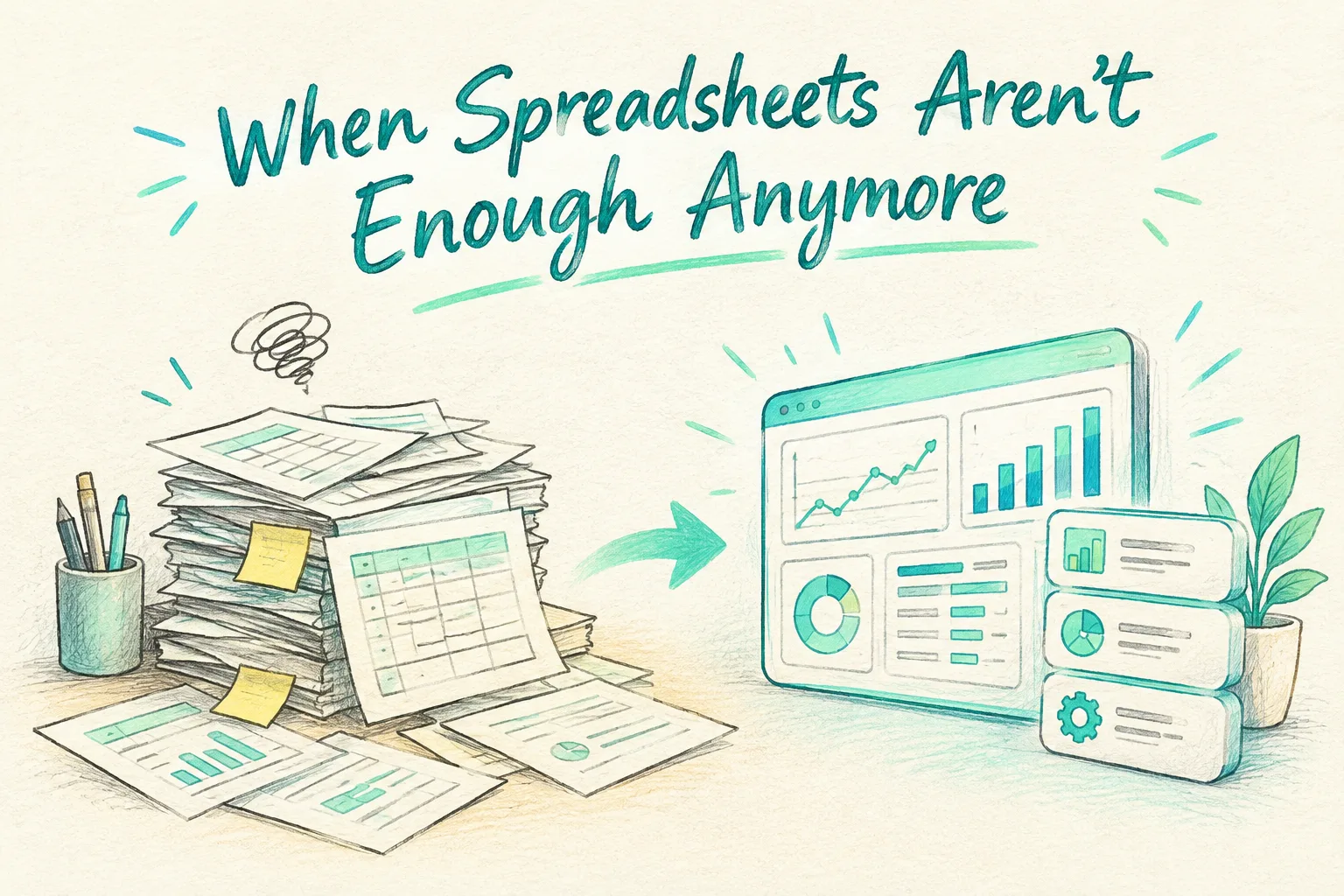
Most businesses start tracking operations in spreadsheets because they are quick, flexible and cheap. Over time, that simple sheet turns into a fragile system of files, tabs and manual fixes that slow decisions and hide risks. Knowing when to move to an excel alternative is key to protecting your data, your team’s time and your capacity to grow.
Recognizing you’ve outgrown Excel
Operational symptoms to watch for
You’ve outgrown spreadsheets when daily work depends on workarounds instead of a stable workflow. Typical signals include duplicate files, broken links between tabs, and recurring “who has the latest version?” moments. If people avoid updating the sheet because it’s fragile, you’re already paying for the tool’s limits through hours lost to rework rather than through a license fee.
Another red flag is when routine tasks turn into manual data entry and copy-paste between systems. The moment your spreadsheet becomes a hub for business management, you’ll feel the strain: slower reporting, inconsistent definitions, and dashboards that no one trusts. When project management or time tracking lives in the same file as finance, coordination becomes a bottleneck instead of a support function.
Hidden risks of staying on spreadsheets
The biggest danger is that spreadsheet failures rarely fail loudly. A sheet can “work” for months while slowly degrading through silent edits, unreviewed formulas, and inconsistent inputs. Over time, silent formula drift becomes more costly than any migration project because the team makes decisions using numbers that look precise but aren’t dependable.
Spreadsheets also struggle with controls that matter as you scale: permissions, data validation, audit trails, and recoverability. If you need reliable data management for a CRM system, order processing, or other business applications, a file-based approach usually can’t enforce who changed what, when, and why. In practice, you end up with no reliable audit trail when something goes wrong.
Finally, the “shared sheet” phase (including shared table tools) can create a false sense of safety. Collaboration improves, but structural risks remain: conflicting logic, fragile integrations, and unclear ownership of fields. Once multiple teams depend on the same workbook, one file can become a single point of failure for an entire process.
Deciding if you need more than ‘just one more sheet’
You need dedicated software when the spreadsheet is no longer just analysis, but the system of record that runs a workflow. A practical test is to ask whether the file must support process automation, real-time collaboration, or standardized data entry across many people. If “fixing” the sheet requires an expert, the tool is already mismatched to the job.
- Count how often you correct avoidable mistakes (wrong IDs, missing fields, inconsistent formats) and what it costs weekly.
- Map any step that depends on manual copy-paste between tools, emails, and files, then estimate the time spent.
- Check whether you can answer “who changed this and why” with evidence you’d trust during a dispute or audit.
- Identify reports that require heroics to refresh; if updates aren’t repeatable, decisions will lag behind reality.
- List the workflows that span teams; if handoffs live in comments and chats, ownership will stay unclear.
Choosing the right excel alternative for business
Clarifying the job your tool must do
A good Excel alternative is the one that matches a specific workflow, not a feature checklist. Start by naming the business outcome (faster billing, cleaner inventory, clearer pipeline), then map who creates records, who approves changes, and what must be reported weekly. This turns a vague “spreadsheet problem” into a concrete workflow with owners.
Be explicit about what breaks today: repetitive data entry, conflicting versions, missing audit trails, and small errors that cascade into wrong decisions. If you need reliable data management, role-based access, and real-time collaboration, a spreadsheet’s flexibility becomes a liability. Add the reporting need too: dashboards that update automatically are a requirement, not a nice-to-have, once volume grows.
Comparing types of tools (database, SaaS, custom app)
Most Excel alternatives fall into a few families, and the right choice depends on whether you’re organizing structured records, running a process, or coordinating people. Think in “systems of record” versus “systems of work”: some tools excel at storing clean data, others at project management and execution, and a few do both reasonably well for business applications.
- Choose shared table tools when you need quick structure and light workflows without heavy setup.
- Pick a database-first stack when your priority is clean relational data and controlled updates, with reporting layered on top.
- Use a SaaS product when the job is already standardized, like a CRM system or common project management workflows, and you want best-practice defaults.
- Build a custom web application when your process is distinctive and stable, and you need exact screens, rules, and permissions that fit your operations.
- Prefer dedicated software for regulated or niche domains where compliance, traceability, and integrations are non-negotiable out of the box.
The best fit is usually the one that reduces manual handoffs through process automation, not the one with the most features. Sanity-check each option against your key reports and integrations (email, accounting, identity), and verify you can enforce validation rules to prevent errors at the point of entry. If data visualization is central, confirm the reporting layer can be trusted by non-technical users.
Budget, time and team constraints in your choice
Choose based on total cost and adoption speed, not license price alone: onboarding, configuration, support, and data migration often outweigh subscriptions. If you need results in weeks, prioritize a tool with working defaults and a short setup cycle; if you can invest months, a more tailored build may pay back through an automated process and fewer workarounds. Match complexity to team capacity, and pilot with one department before scaling across business management workflows.
Switching tools without breaking the business
Designing a low‑risk migration from Excel
A low-risk migration starts by isolating what can’t fail: the reporting, approvals, and data management flows that keep cash and customers moving. The limitations of Excel usually show up as inconsistent data entry, version confusion, and avoidable errors. Plan a cutover that preserves continuity, with parallel run for 2–4 weeks on the most business-critical process.
- Map every column to a clear data owner before importing anything
- Clean and standardize values to remove silent duplicates that spreadsheets hide
- Define validation rules so bad inputs are blocked at the point of entry
- Migrate in small batches and reconcile totals daily against the spreadsheet baseline
- Keep an exit plan with one-click rollback if a key output breaks
Once the structure is stable, automate what used to be manual: imports, notifications, and recurring calculations. Whether you pick shared table tools or more dedicated software, prioritize traceability: logs, permissions, and an audit trail that explains why numbers changed. If data visualization is a key deliverable, validate dashboards against known historical periods before you retire the spreadsheet.
Getting your team to adopt the new tool
Team adoption sticks when the new tool removes pain on day one, not when it promises future benefits. Start with the workflow people touch most, then replace one workflow at a time. In practice, that might mean moving a CRM system pipeline first, or shifting project management to a single workspace with real-time collaboration, while keeping edge cases on the spreadsheet temporarily.
Make the new way the easiest way: templates, default views, and short training tied to real tasks. Close the loop with feedback and small iterations, not big redesigns. If you’re implementing an automated process or broader process automation, show the time saved in concrete terms like fewer handoffs or simpler time tracking. Then measure adoption in usage data and address the drop-off points quickly.
Frequently asked questions
How do I know if it’s too early to move to an Excel alternative?
If Excel still works smoothly, it’s probably too early to switch entirely, even if you are planning ahead. The real signal is when workarounds, copy-paste chains and error checks become routine. At that point, testing an excel alternative on a small, high-value process lets you prepare the ground without abandoning what already works.
What is the typical cost range for moving from Excel to a more robust business tool?
A few thousand per year is a realistic minimum for moving from Excel to business-grade tools, though simple SaaS plans can cost less. The main costs are licences, implementation time and possible integration work. The bill grows with complexity, custom features and compliance needs, so scoping tightly around one concrete process keeps budgets under control.
Can a small non-technical team realistically manage a custom app instead of spreadsheets?
Yes, with a well-designed interface most non-technical teams can manage a custom app without extra hires. The key is matching screens to real workflows, using clear labels and guardrails instead of technical jargon. Short training sessions, good help texts and responsive support matter more than technical skills, especially during the first weeks of adoption.
Should I keep Excel for reporting after adopting a new system?
Yes, for some reports it can make sense to keep using Excel alongside your main system, especially for ad-hoc analysis or quick one-offs. Many teams export data from their excel alternative or database into a spreadsheet for flexible pivots and visual tweaks. Just be clear which tool holds the official numbers and which is only for temporary views.